




















How to Add Mirrored Lenses

STEP 1
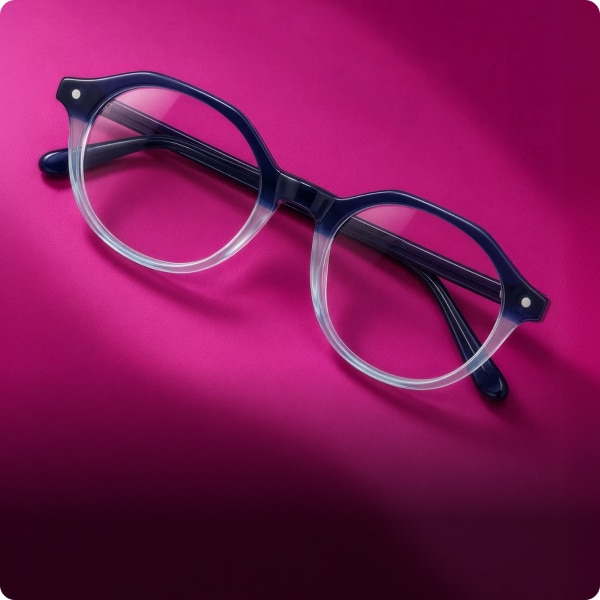
Pick your frame, click “Select Lenses,” and then choose your lens usage.

STEP 2
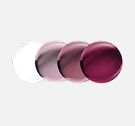
Select “Sun,” then click “Mirrored,” and choose your lens color.

STEP 3
Choose your lens and complete your purchase!



30-Day
Free Returns

24/7 Customer
Service

Vision
Insurance


Filter and Sort
Clear